New Generation AI Agent & API General Availability! 🤖🚀
This is a massive update! We are taking a fundamental leap forward in how you interact with your engineering data by introducing the AI Agent, a fully autonomous, data-aware successor to our previous AI Assistant.
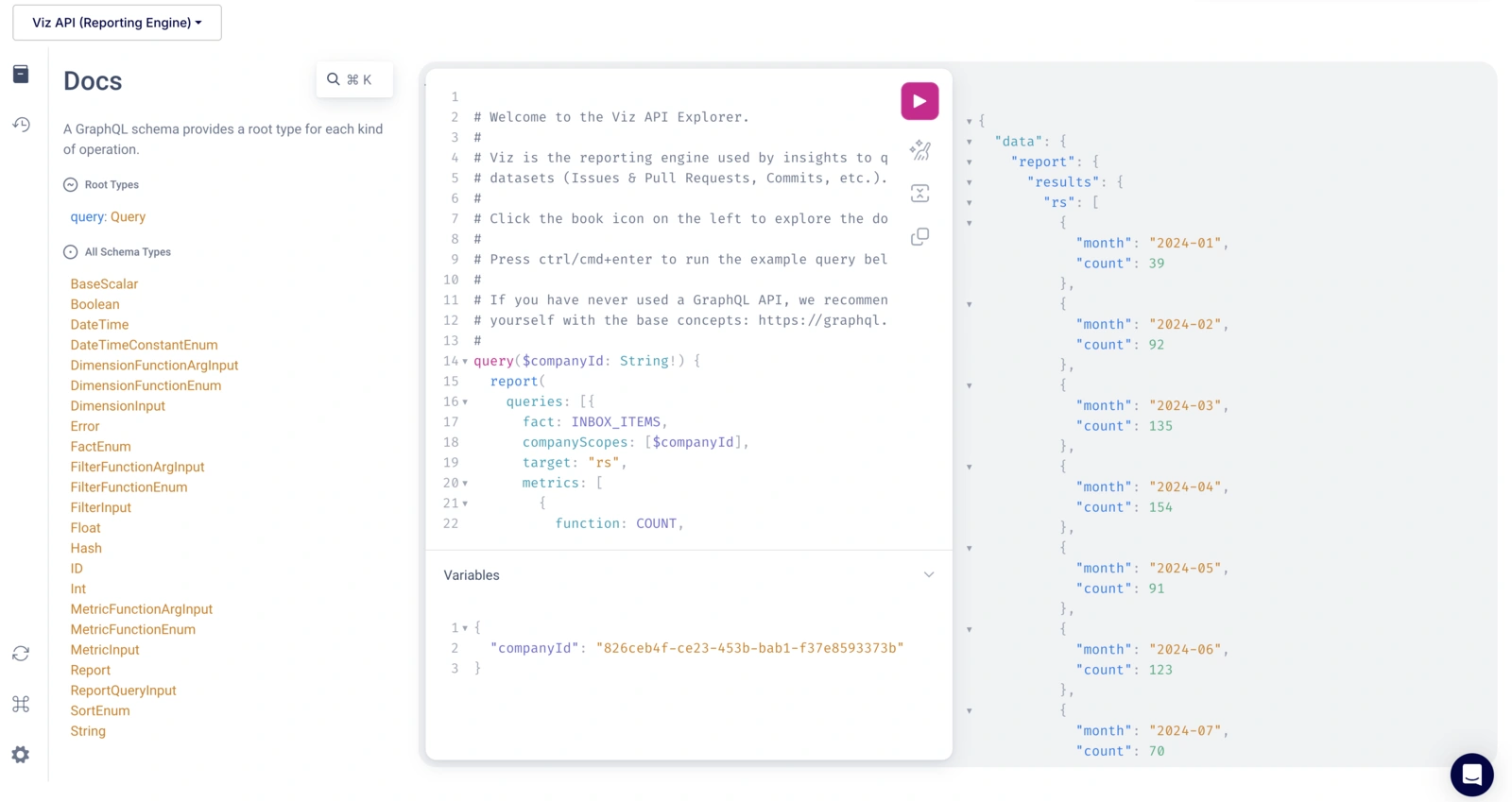
Plus, our API is officially out of beta and available to everyone!
Meet the AI Agent: A Smarter Way to Build Insights
The AI Assistant was great for conversational configuration, but it had a limitation: it wasn't aware of your actual project data and relied on one-shot generations. The new AI Agent changes everything.
It is a tool-equipped, autonomous agent that doesn't just suggest configurations - it actively does the work for you, step-by-step.
Powered by advanced reasoning (function calling), the AI Agent works iteratively. If you ask it to "show only bug-related pull requests," it will first query your actual database to see what label values exist, and then set the correct filter.
No more guessing field names or filter values!
Analyzes Data and Acts with Full Transparency
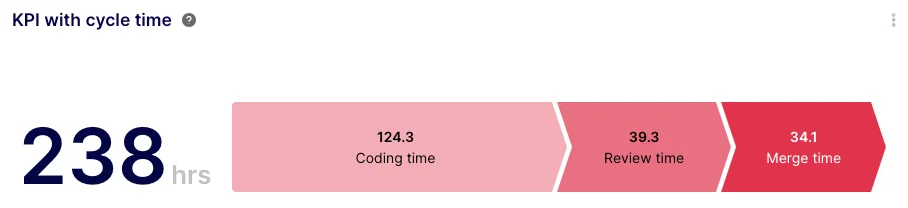
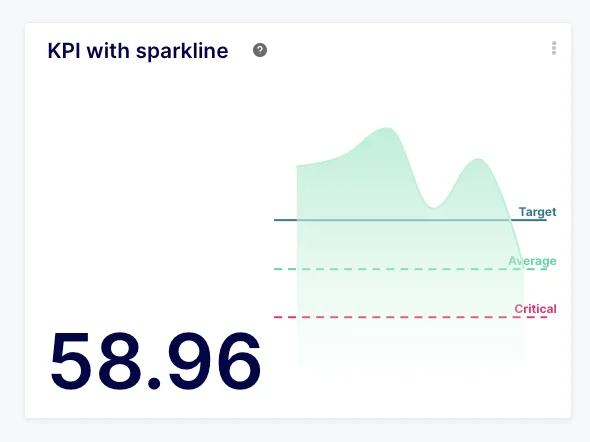
The AI Agent is equipped with over 40 specialized tools, giving it complete control over visualization types, complex filters, drilldowns, custom formulas, and even chart styling (like setting threshold-based colors for KPIs).
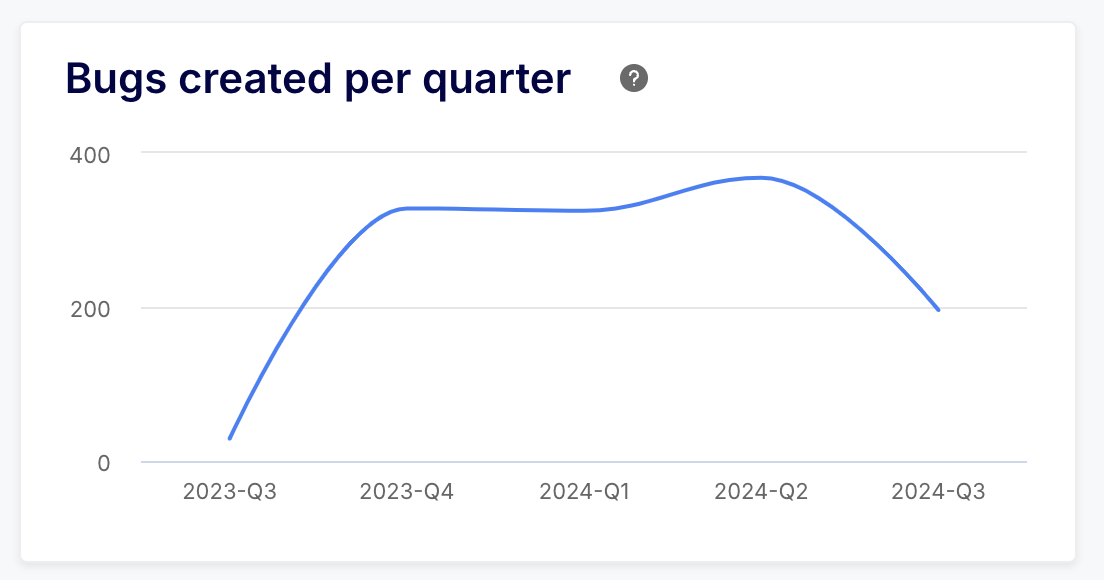
Even better, the Agent can read and analyze your actual insight results. You can simply ask it, "What trends do you see?" and it will read the data points on your chart and provide meaningful, data-driven commentary.
Every action the Agent takes is completely transparent - you can expand the new "Agent Actions" section to see exactly what steps it took, ensuring nothing happens in a black box.
AI Steering is now AI Instructions
To better reflect its purpose, we have renamed "AI Steering" to AI Instructions. Accessible via Team Management, this is where you can teach the AI Agent your team's specific habits, workflows, and label conventions.
Because the new Agent is data-aware, it utilizes these instructions far more effectively to make intelligent decisions on your behalf. Check out our new dedicated article on AI Instructions to learn more.
Other improvements and bug fixes
- Improvement: The Keypup API is out of beta! It is now generally available to all users, allowing you to seamlessly integrate Keypup's engineering metrics programmatically into your own workflows. The API documentation has been updated accordingly.
- Improvement: Increased the global Custom Fields limit from 1,000 to 2,000 across all applications, giving power users even more room for complex reporting.
- Improvement: Custom fields are now updated in near-realtime when you connect new apps or projects. No more manual page reloads required to clear the cache.
- Improvement: Added a convenient cogwheel icon to the Dashboard Filter "quick edit" popover, allowing you to edit the filter's configuration directly without having to put the entire dashboard into edit mode.
- Improvement: Continued UI performance optimizations. We've significantly reduced the number of background queries and implemented data pre-loading to make the interface feel much snappier.
- Improvement: Refined the AI Agent chat UI so that auto-scrolling is automatically disabled when a user intentionally scrolls up to read previous messages.
- Improvement: Enhanced stability and disconnection detection for our Jira integration
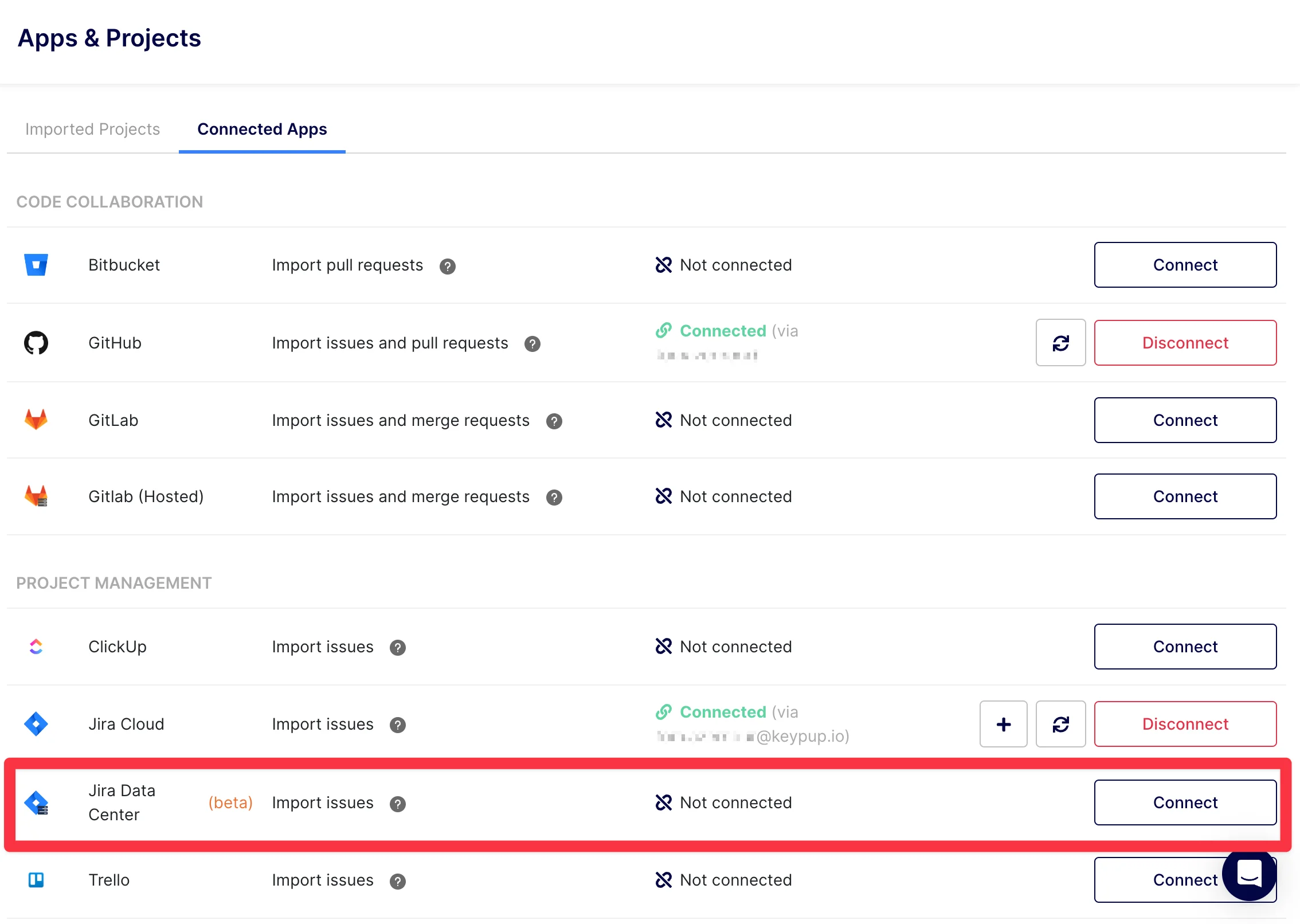
- Improvement: Added support for legacy Epic Links in the Jira connector (primarily for Jira Data Center instances), alongside the currently recommended Parent Link.
- Improvement: Added Azure DevOps (ADO) as an official login and signup option on our authentication pages.
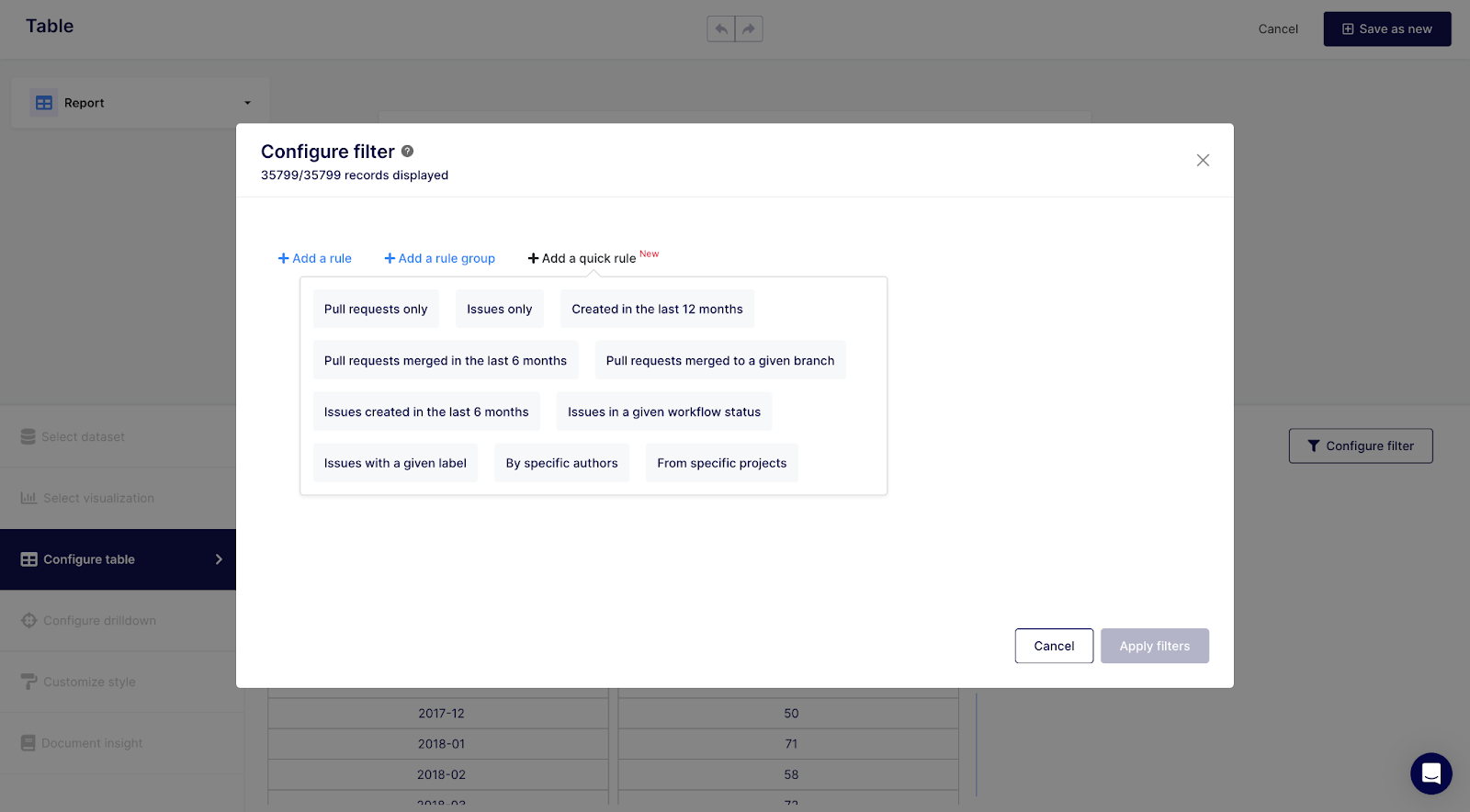
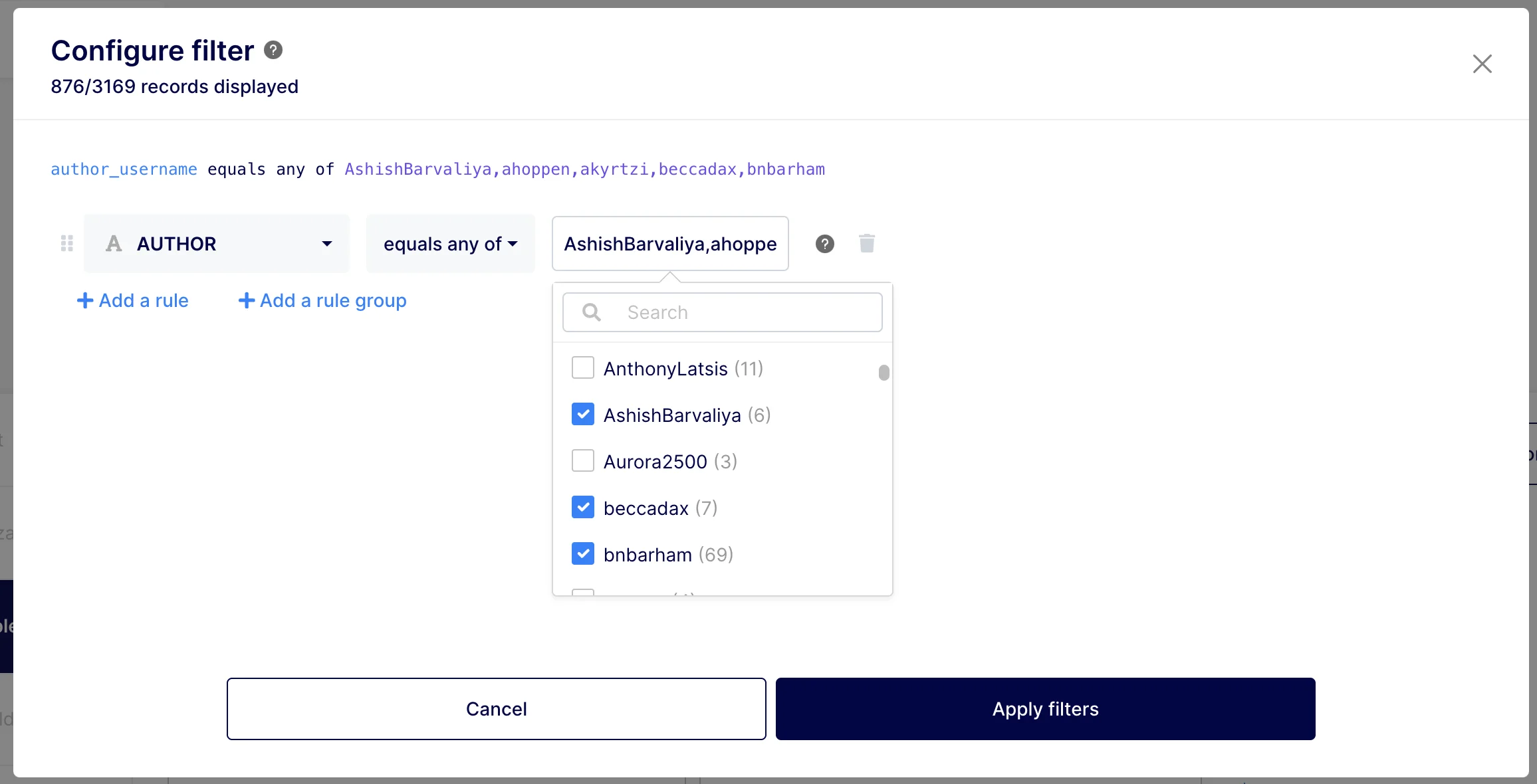
- Improvement: Insight filters using comma-separated lists (e.g., "equals any of") now support comma-escaping. This is handled transparently when using the value picker, allowing you to easily select values that naturally contain commas (like
john, D). - Improvement: Added the ability to bulk-apply a field across all unspecified links in the Dashboard-wide Filters modal, drastically speeding up your dashboard filter configuration.
- Improvement: An initial value is no longer required to save a Dashboard-wide filter. The operator now defaults to "has any value" across all cases (including presets or type changes).
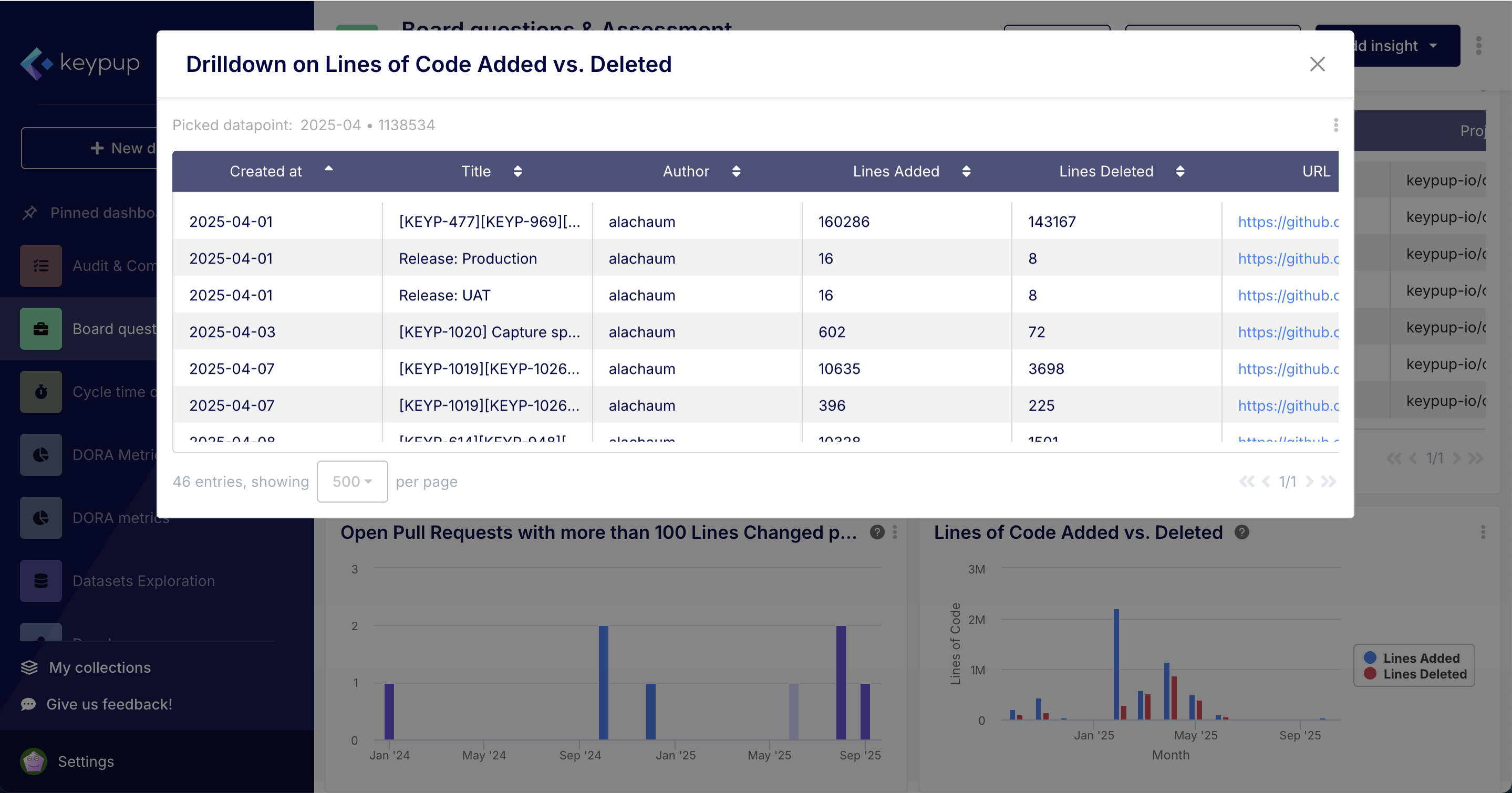
- Improvement: Cleaned up the drilldown modal by restricting the displayed "coordinates" of the selected data point to only show the values actually used for filtering (e.g., just the ID or Key). This prevents massive, ugly blocks of text from appearing when clicking on complex aggregate reports.
- Bugfix: Fixed an issue where regular dashboard filters placed after a hidden filter would incorrectly show as "edited" and display save/cancel buttons.
- Bugfix: Resolved a UI flickering issue that occurred when editing the content of dashboard-wide filters.
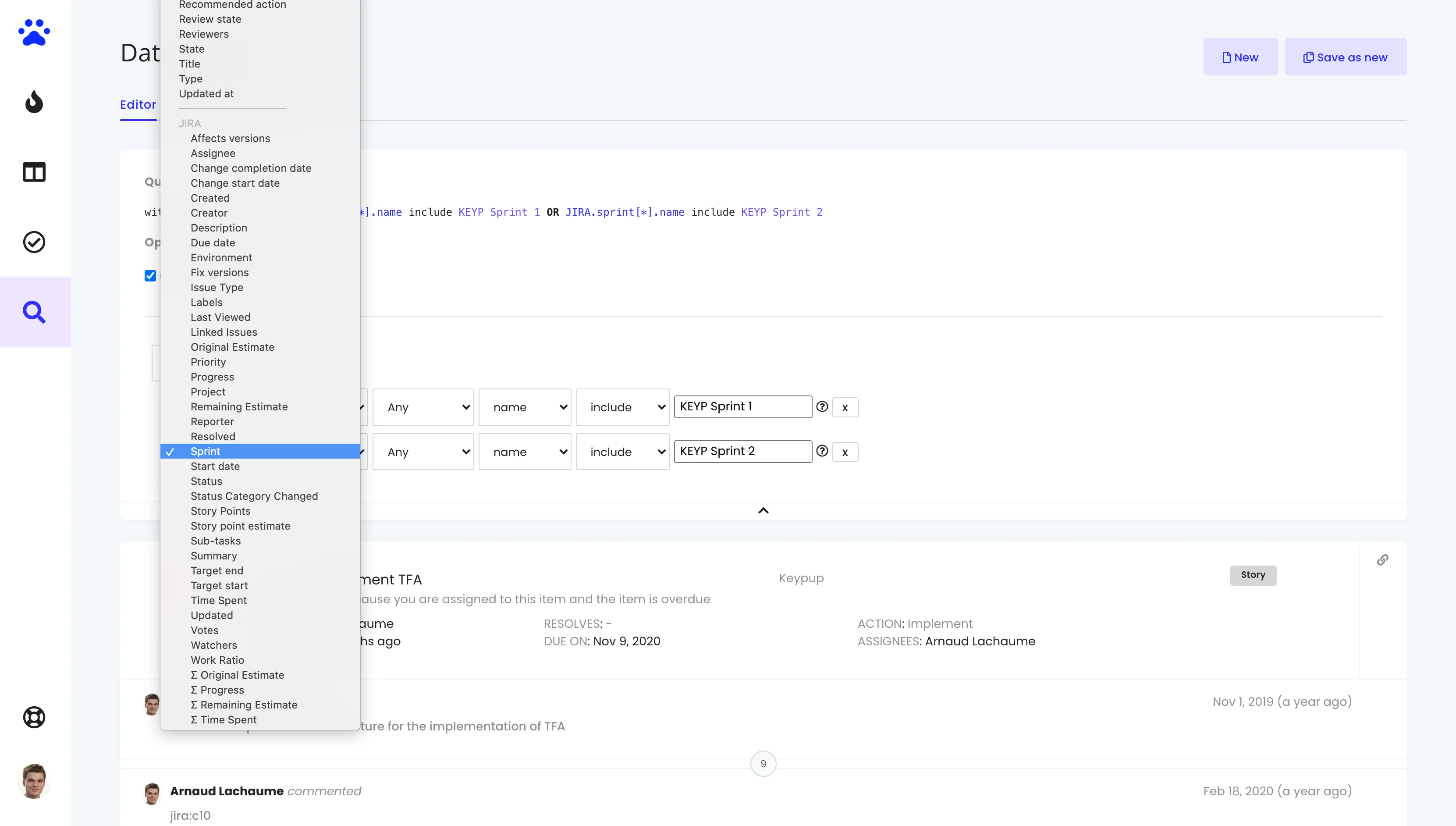
- Bugfix: Enabled the Value Picker for Sprint Names in filters, which had been previously omitted.